Guided role-play
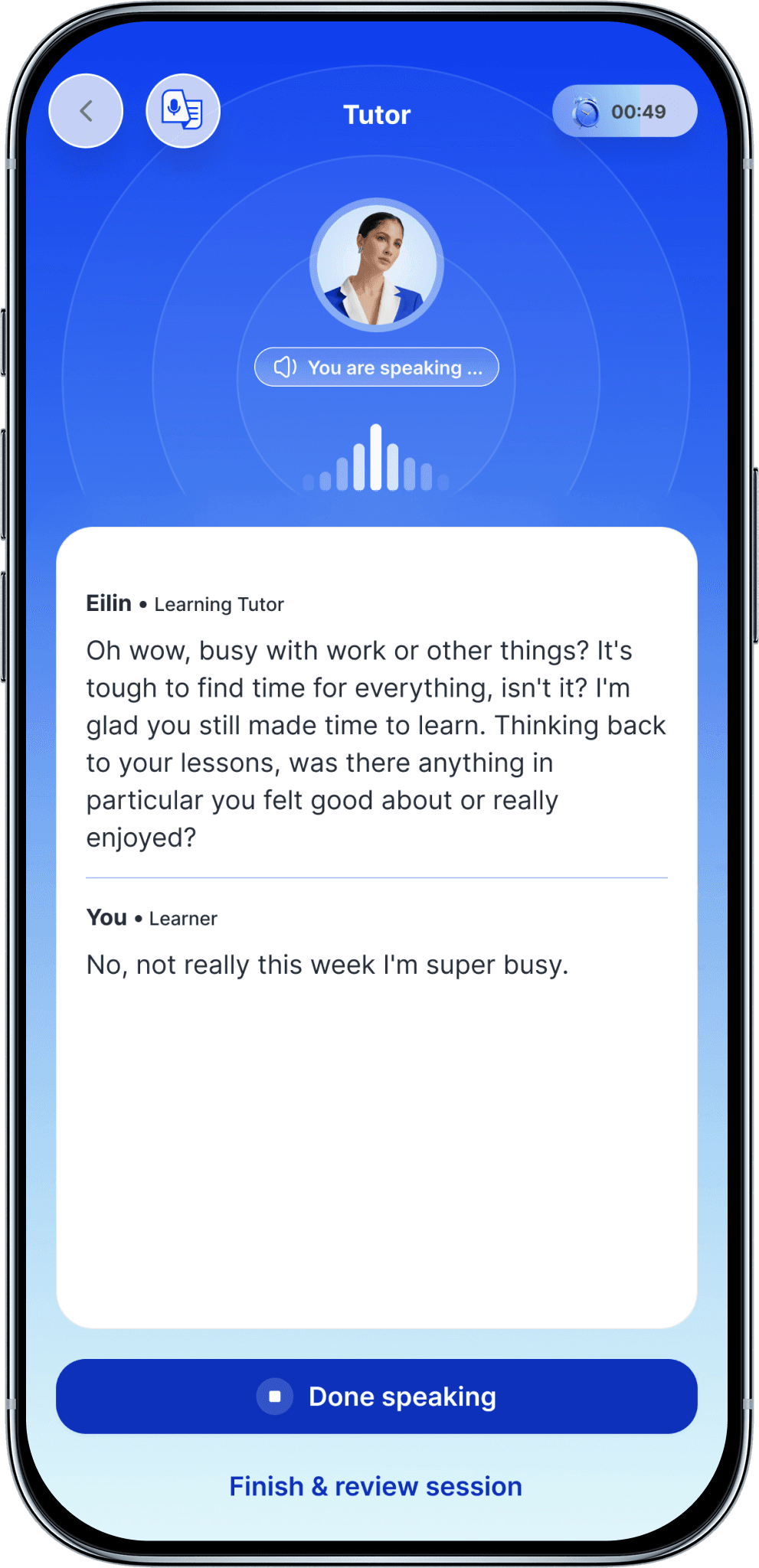
- You get the situation, your role, and suggestions for what to say.
- Helpful phrases appear when you get stuck, so you are never left in silence.
- Best when the situation is new, or the level is a little above you.

 Features
Vocabulary, grammar, and all four skills. Exam preparation. And a personal AI tutor that stays with you the whole way. Here is what is actually inside.
Your AI TutorAt the end of every step, your tutor goes over what you just learned, including what you got wrong.
It has your whole history.
Every answer you have given, every recording, and every piece of writing you have submitted is saved. Your tutor has read all of it.
It spots patterns, not just mistakes.
It can tell you when this is the fourth time this month you have mixed up the same two tenses.
You can ask it anything.
Stuck on something from three lessons ago? Just ask. It already knows what you are referring to.
It gets to know you.
Over months and years it learns how you study, what you find difficult, and what you are learning English for.
 Role-play
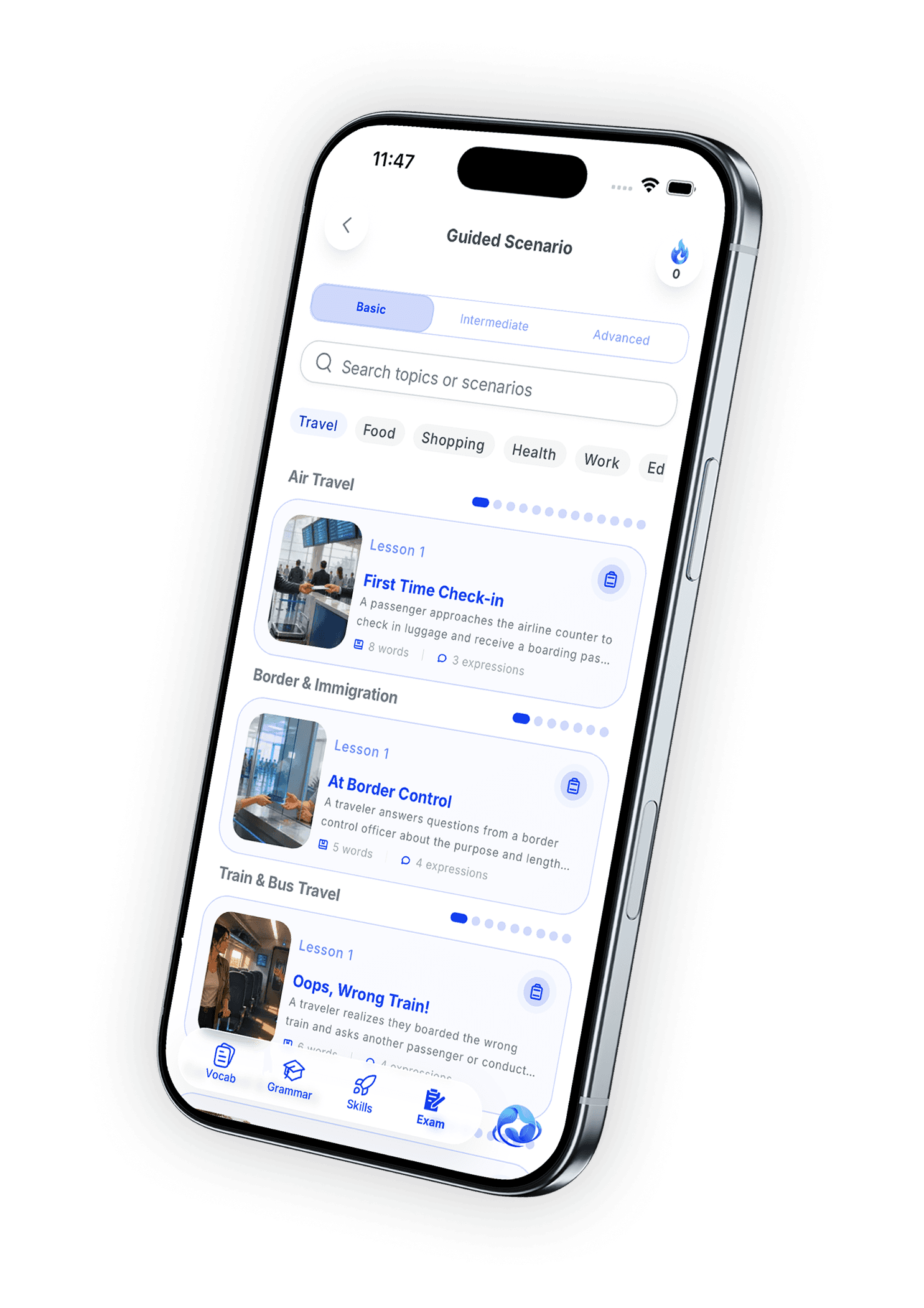
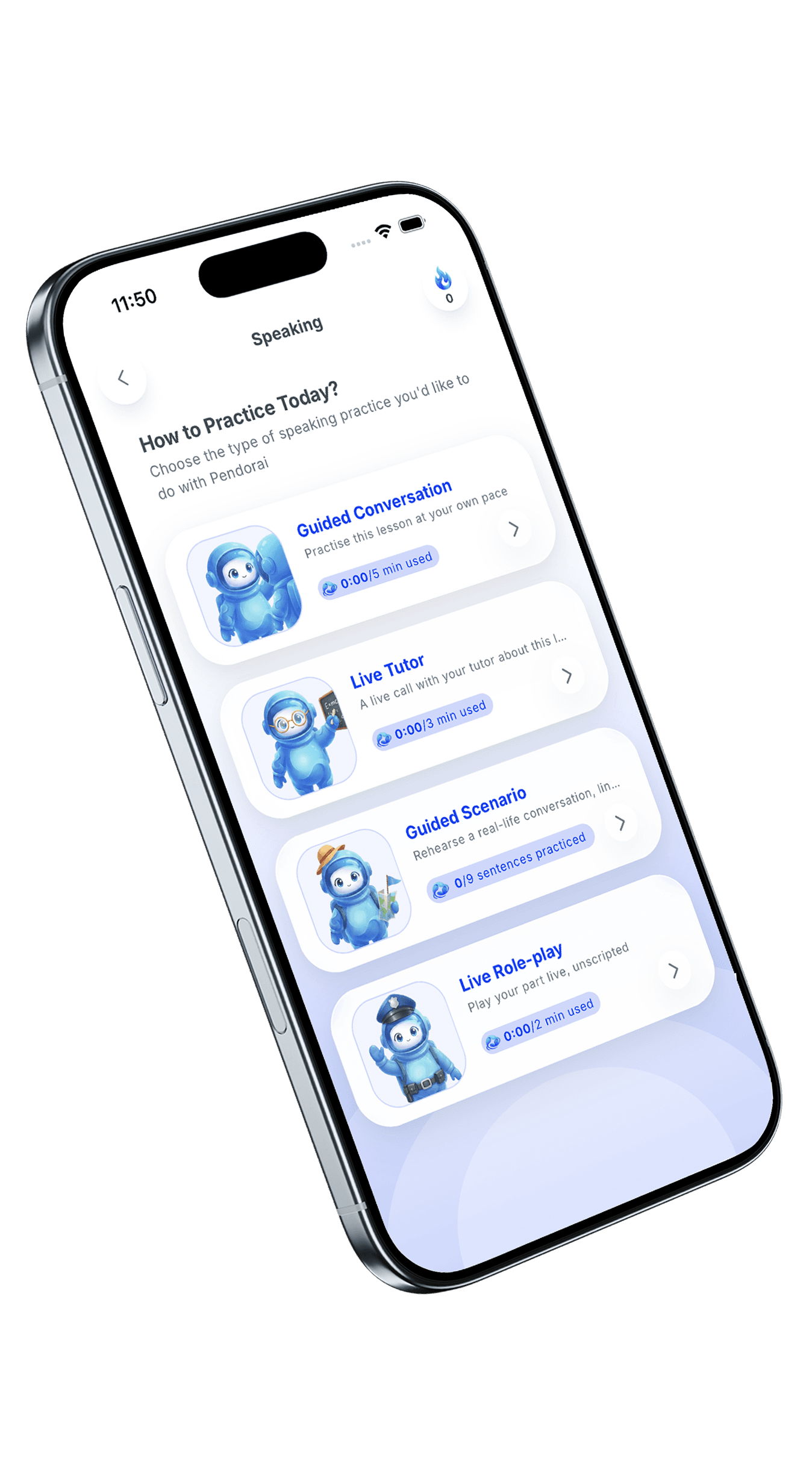
A role-play puts you in a real situation, such as a job interview, a doctor's appointment, or checking into a hotel. You play your part out loud in one of two ways.
 Live sessions
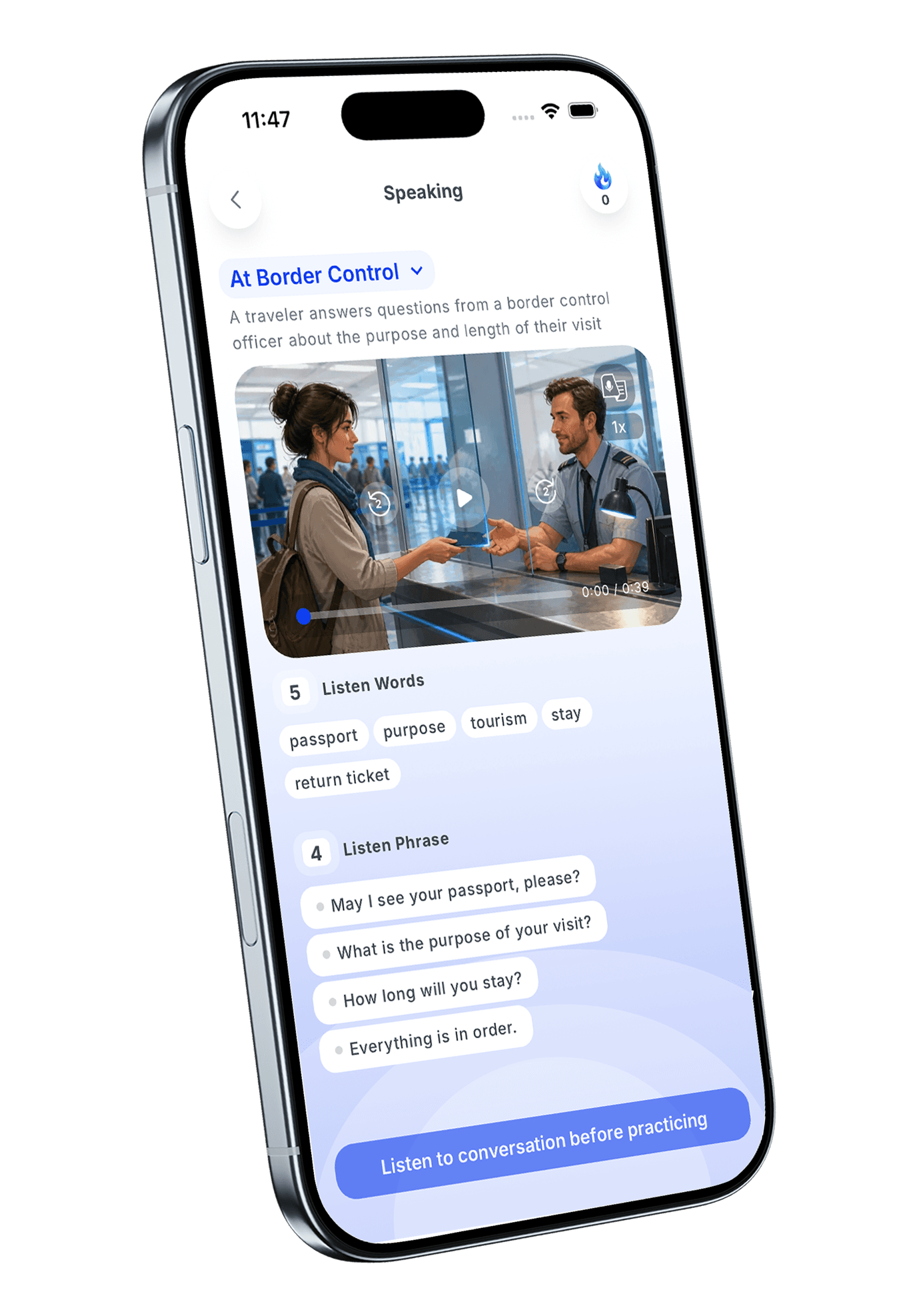
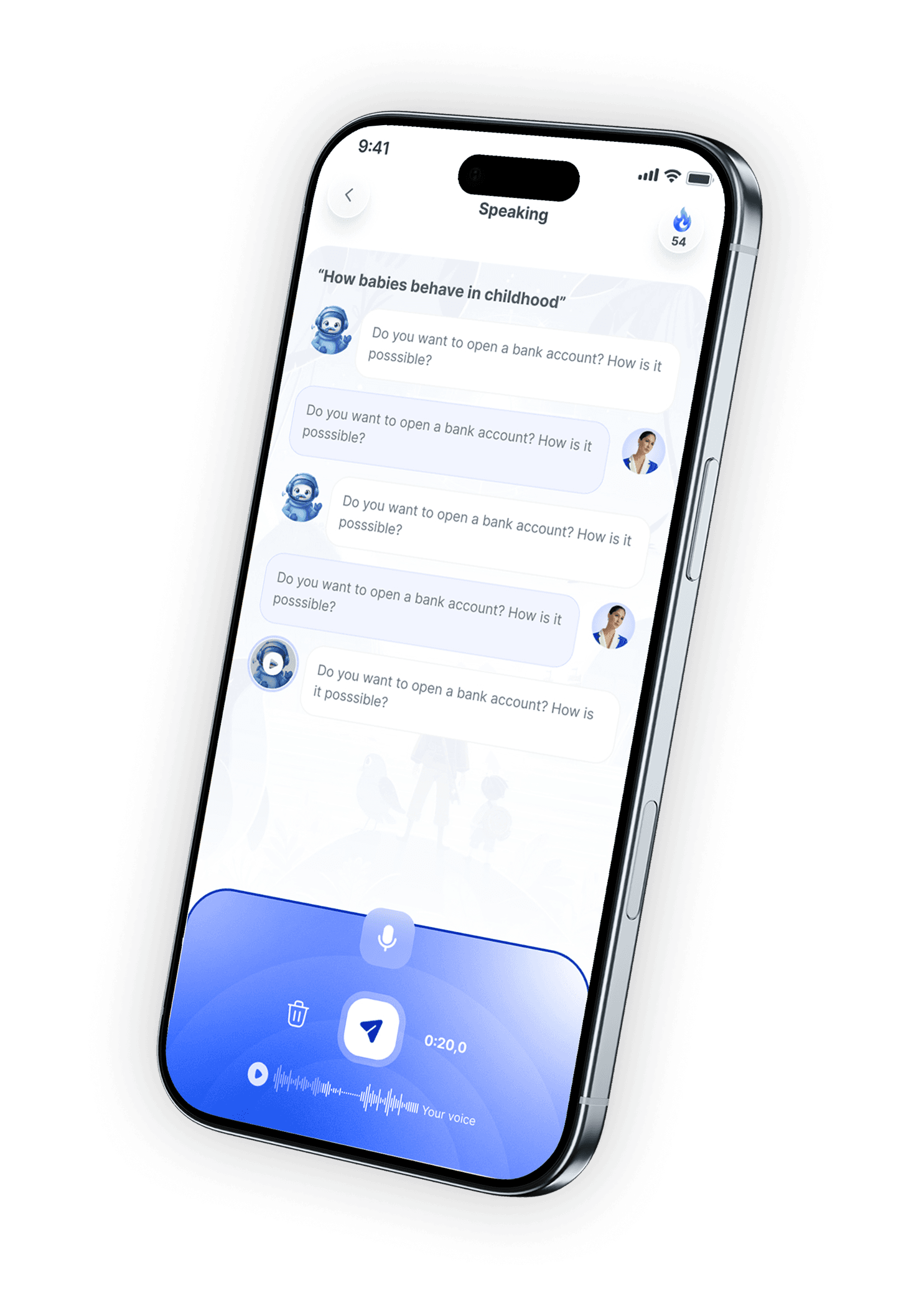
Open a live session and start speaking. The AI listens, understands, and replies straight away. There is no recording and no waiting.
It answers back.
This is a conversation, not a repeat-after-me exercise.
Say anything.
It understands what you actually said, not only what it expected you to say.
Feedback comes afterwards.
You find out what went wrong once you have finished, so the conversation never stops mid-sentence.
Nobody is listening.
Be wrong as many times as you need to be. That is how speaking improves.
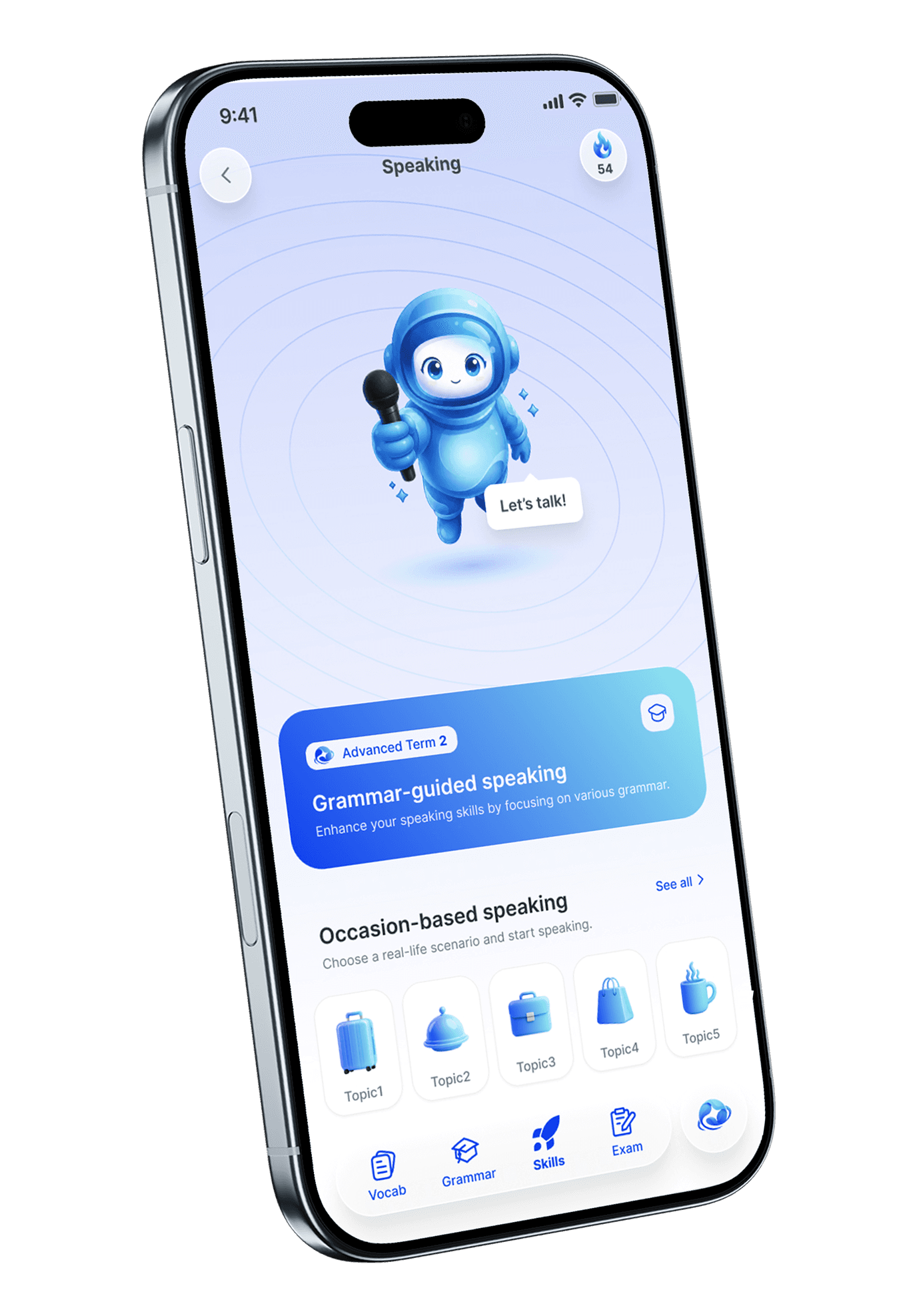
SpeakingEvery speaking lesson has three separate exercises. Each one asks something different of you.
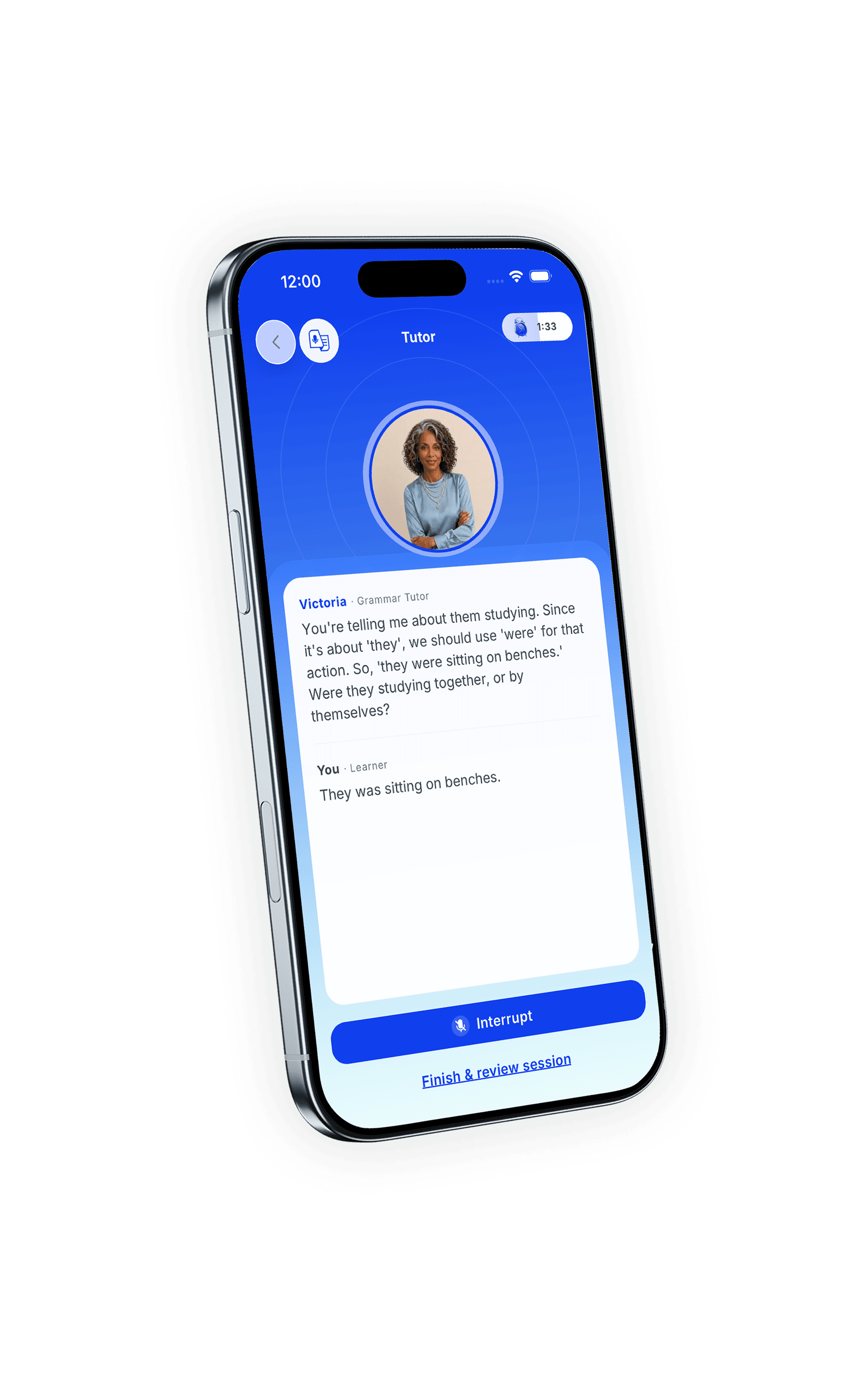
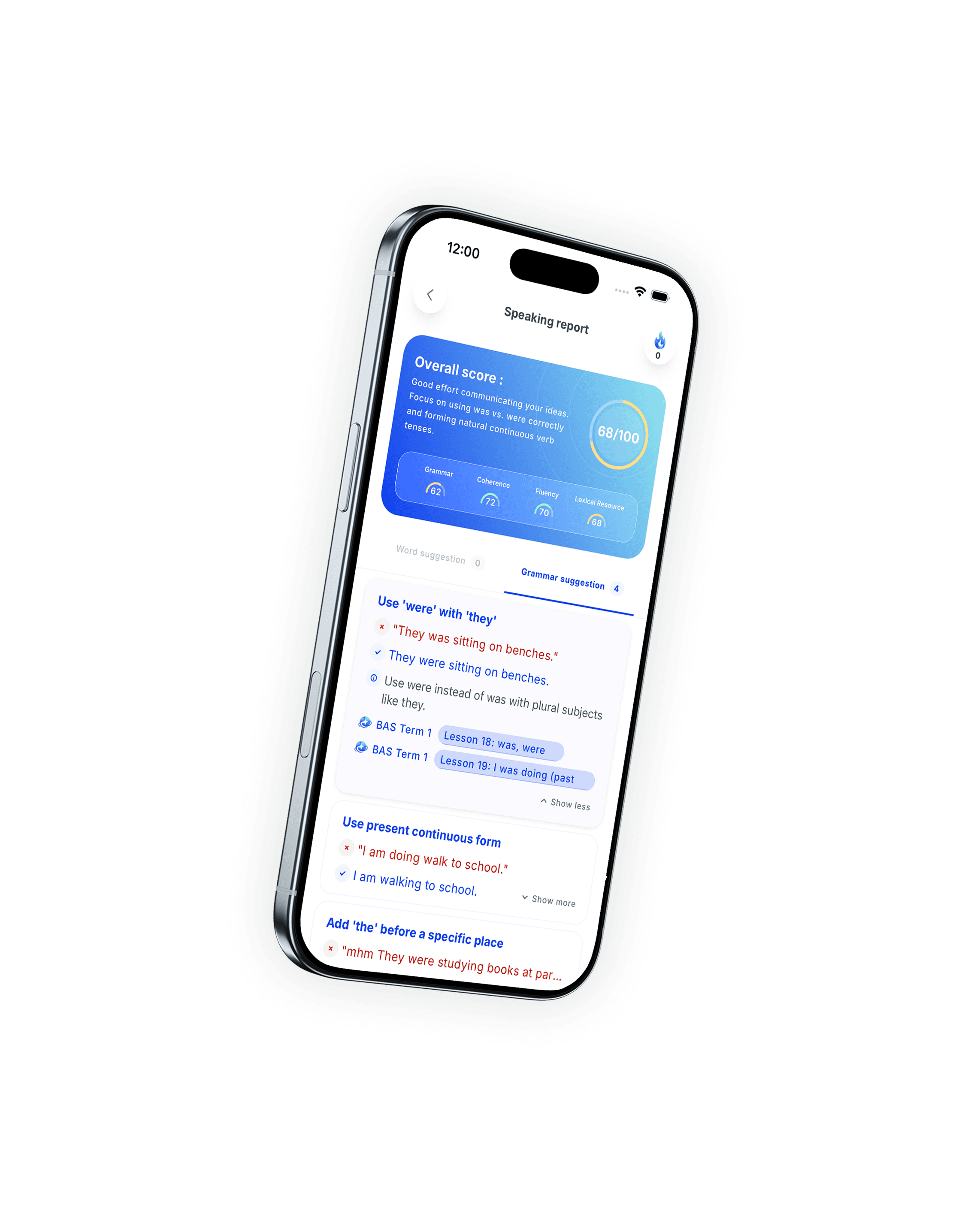
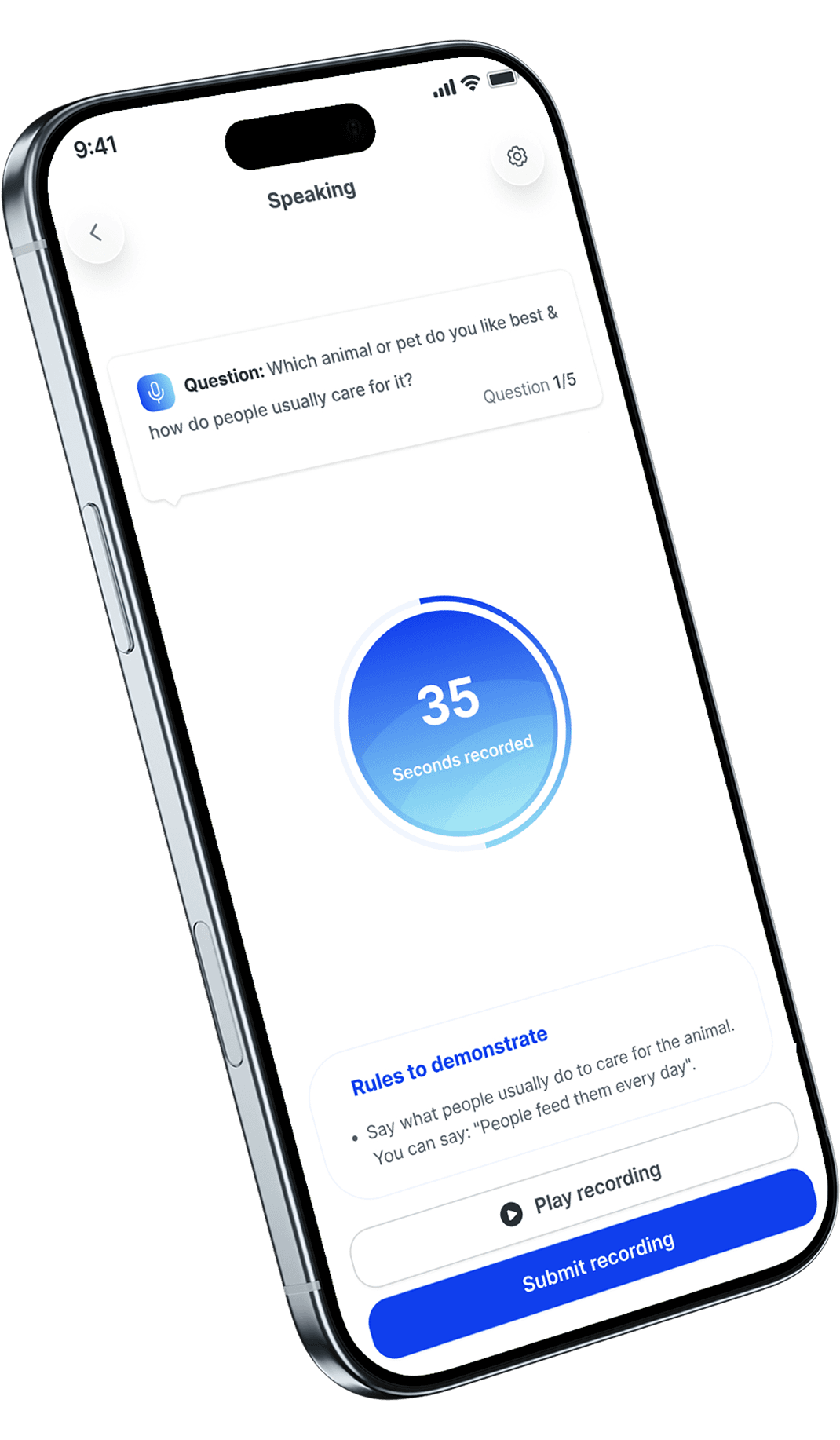
The AI asks about the grammar you just learned, and you answer out loud. If you get it wrong, it teaches the fix and asks again.
Listen to a short talk, then give your own opinion. This is where you learn to hold a thought together while speaking.
Around 400 real-life situations per level, from travel and hotels to doctors, banks, government offices, and work.
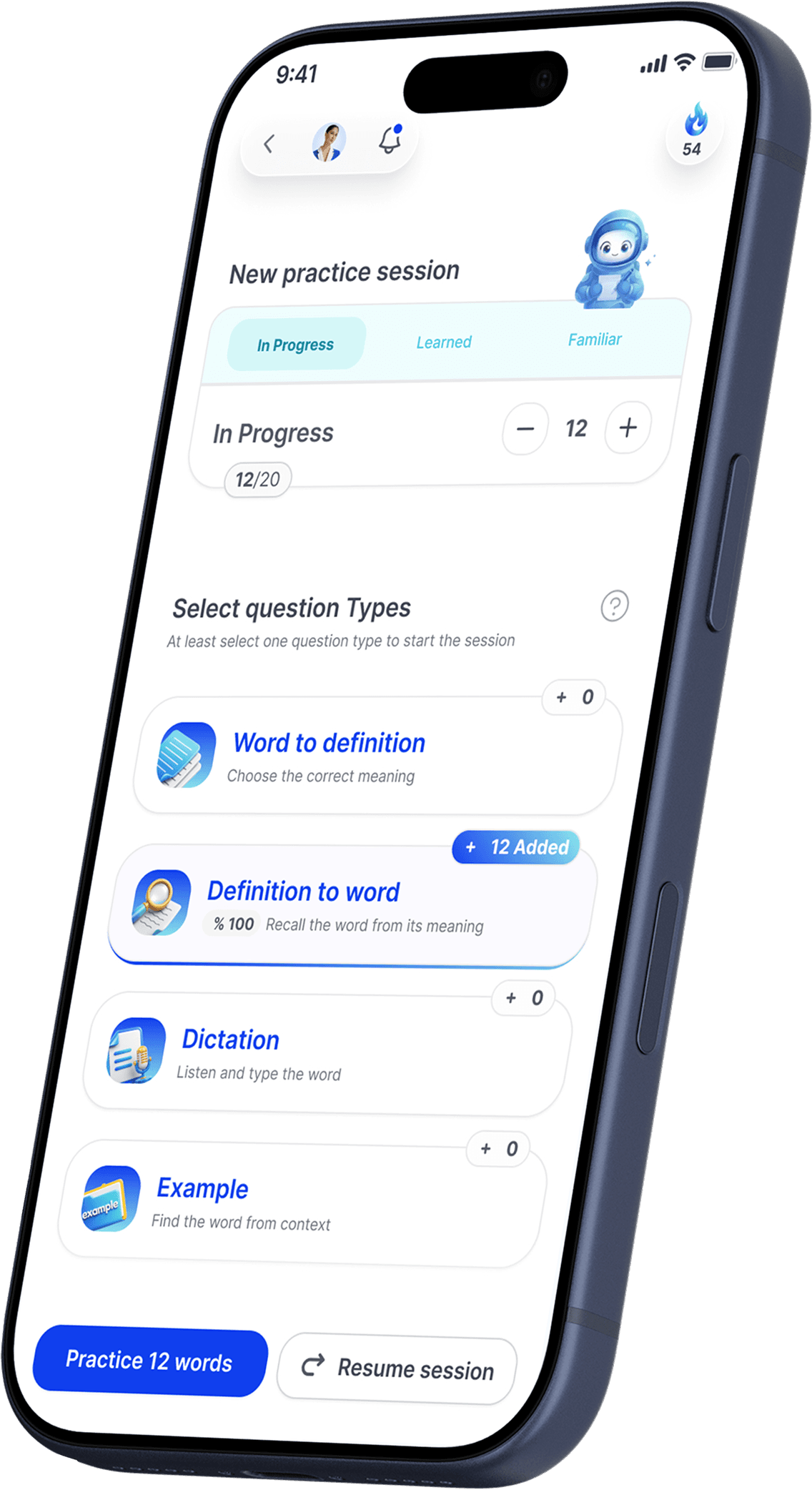 Vocabulary
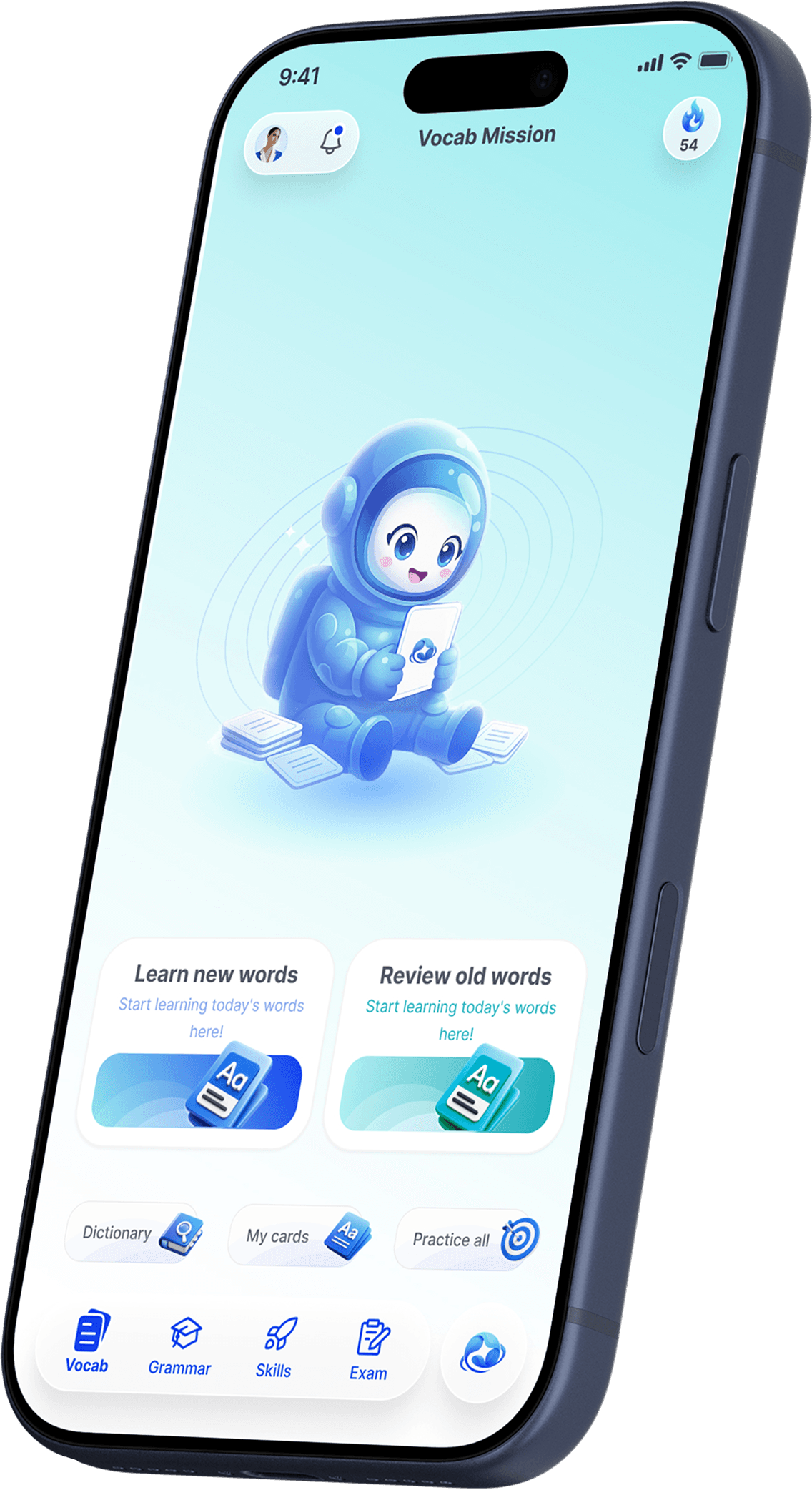
A complete word system that gives you the right meaning, a useful example, and the next review at the right time.
VocabularyA 50,000-word dictionary
Over 100,000 meanings, idioms, and everyday expressions, with synonyms, opposites, and American and British pronunciation.
Examples at your level
Every word has a Basic, Intermediate, and Advanced example. Read the one that fits where you are now.
Reviews timed to your memory
Words return at increasing review intervals, with forgotten words returning to practice sooner.
Tap any word, anywhere
See a word you do not know? Tap it for the meaning and an example, then add it to your cards in the same tap.
Build your own word sets
Add vocabulary for medicine, engineering, business, or your own field, then choose how many words to learn each day.
There are two ways in. Learn the words that match your level, or build a package for your own field. Both end in the same place.
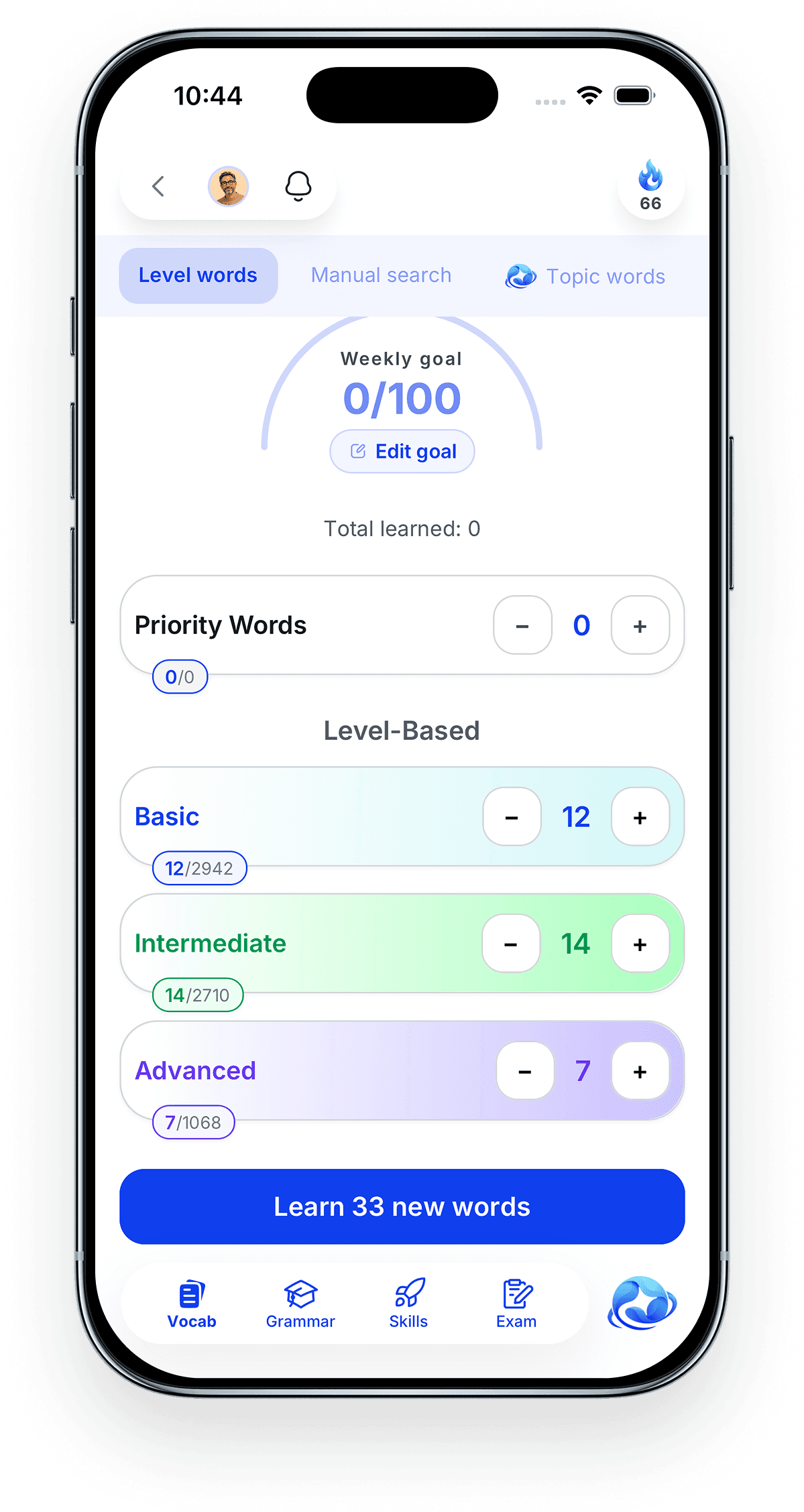
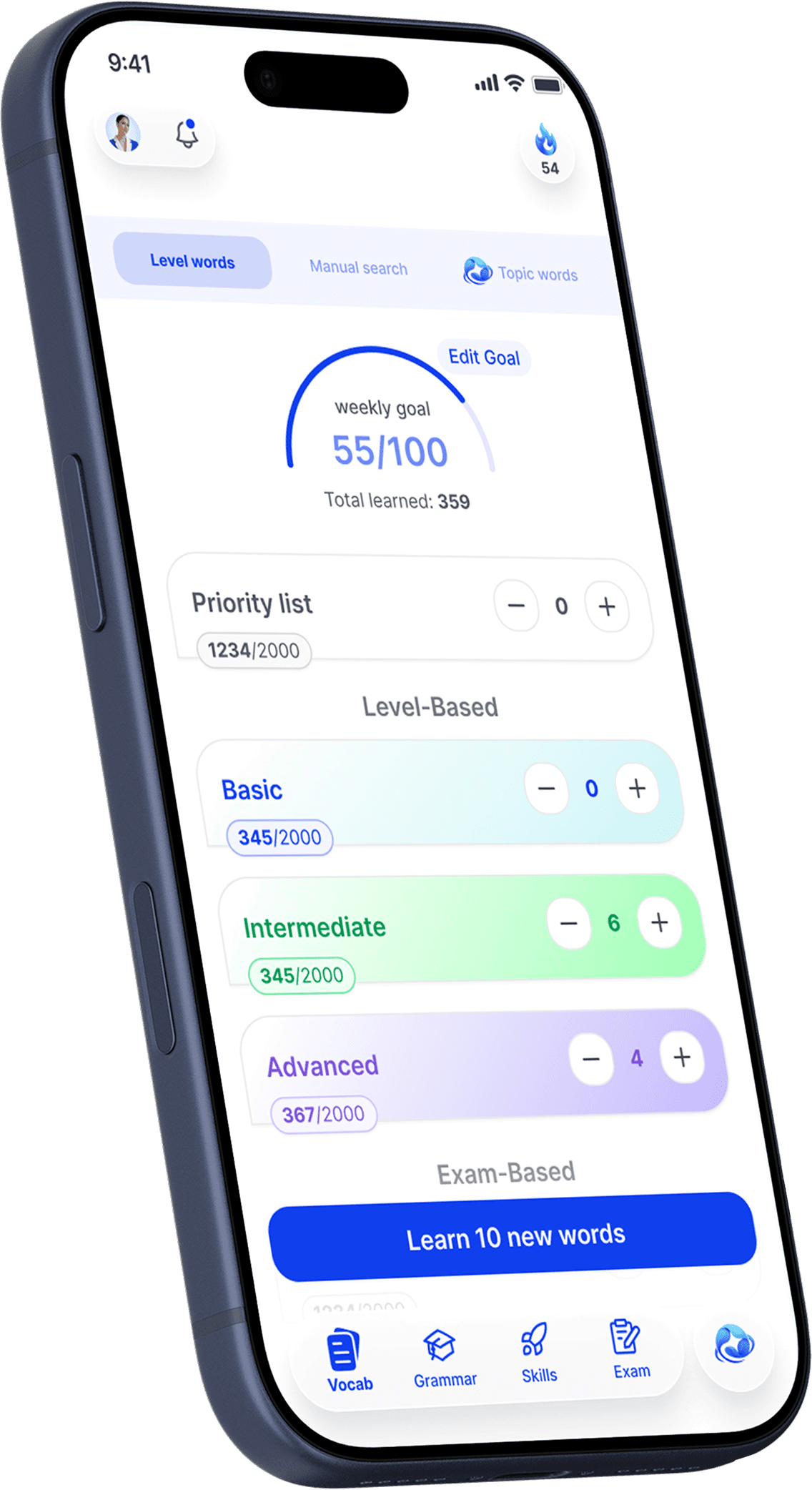
01Pick your words
Set a weekly goal, then choose how many Basic, Intermediate, and Advanced words to take on.
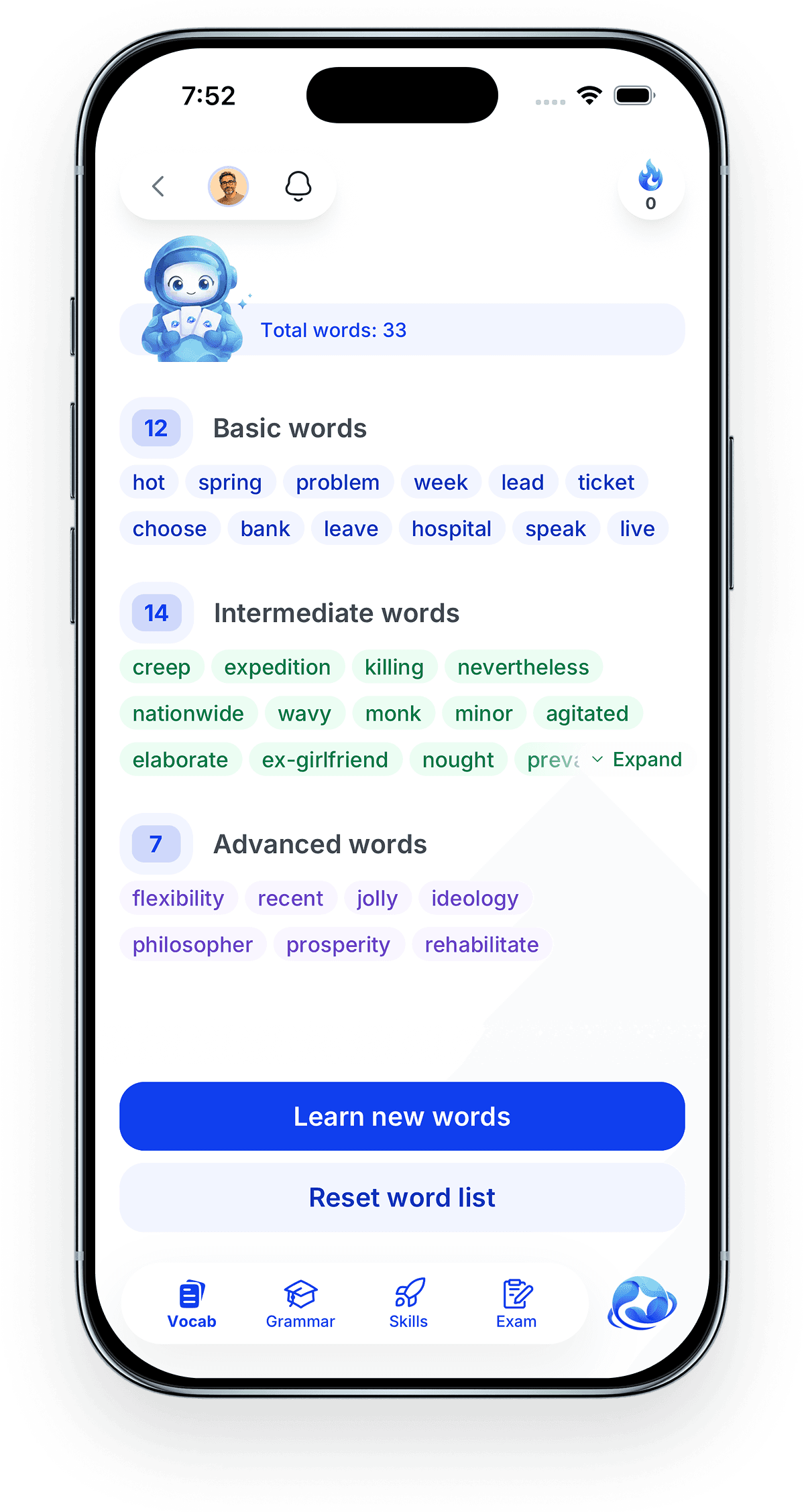
02See the whole set
Every word in the set, grouped by level, before you start a single card.
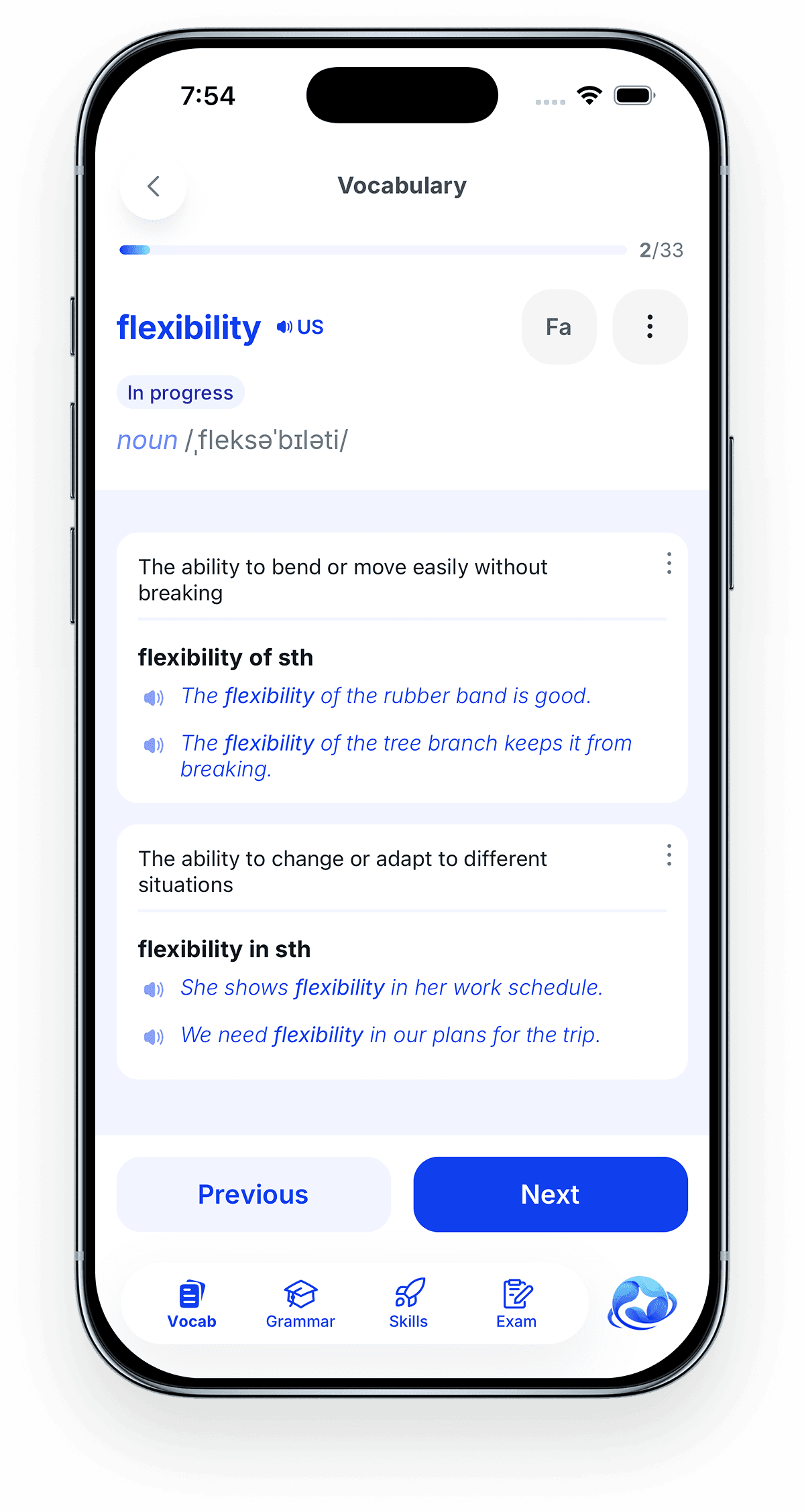
03Learn it as a card
Each meaning gets its own card, with real examples and audio you can play.
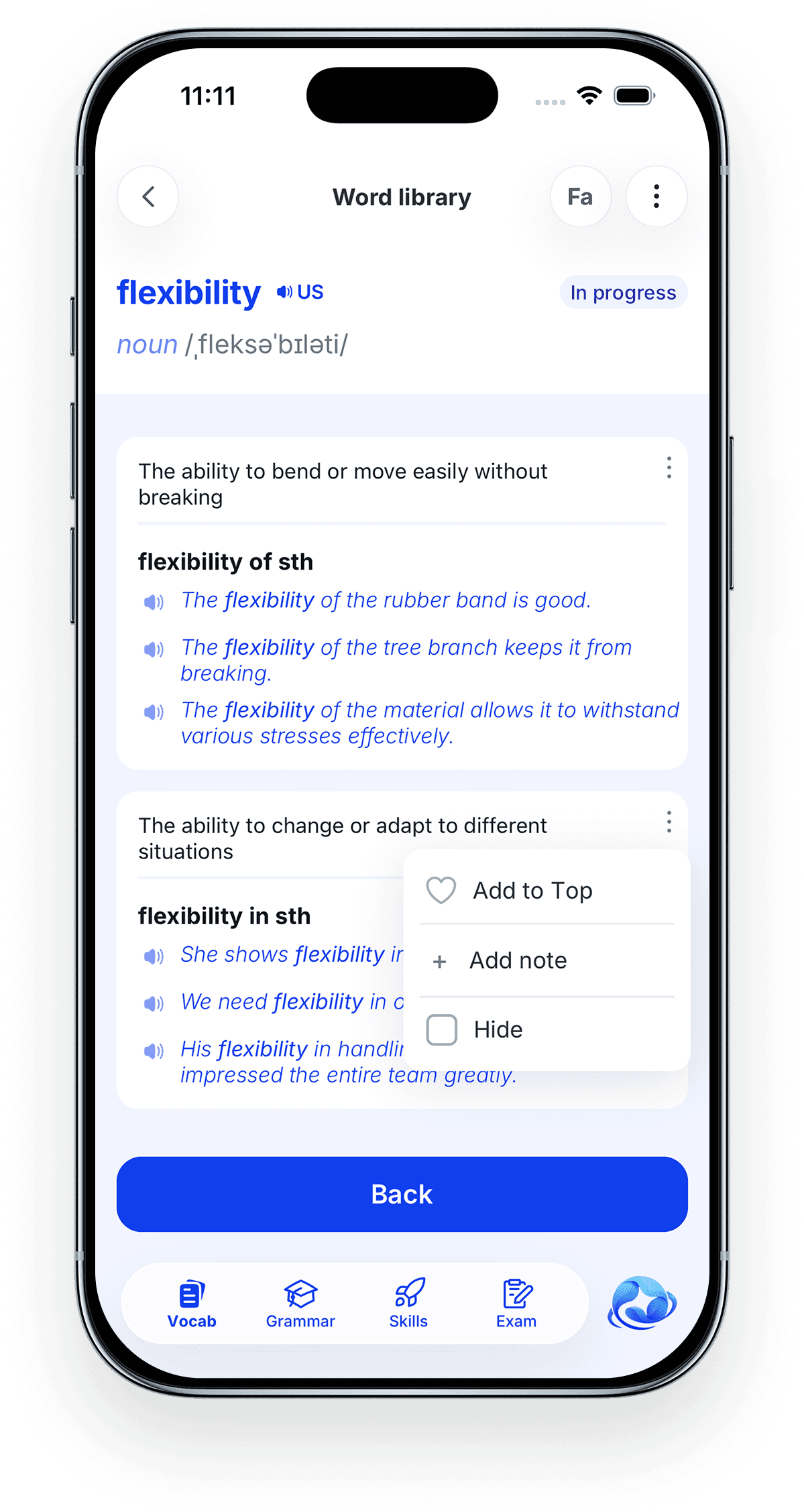
04Make the entry yours
Pin the meaning you actually use to the top, hide the ones you do not need, and add your own note to any definition.
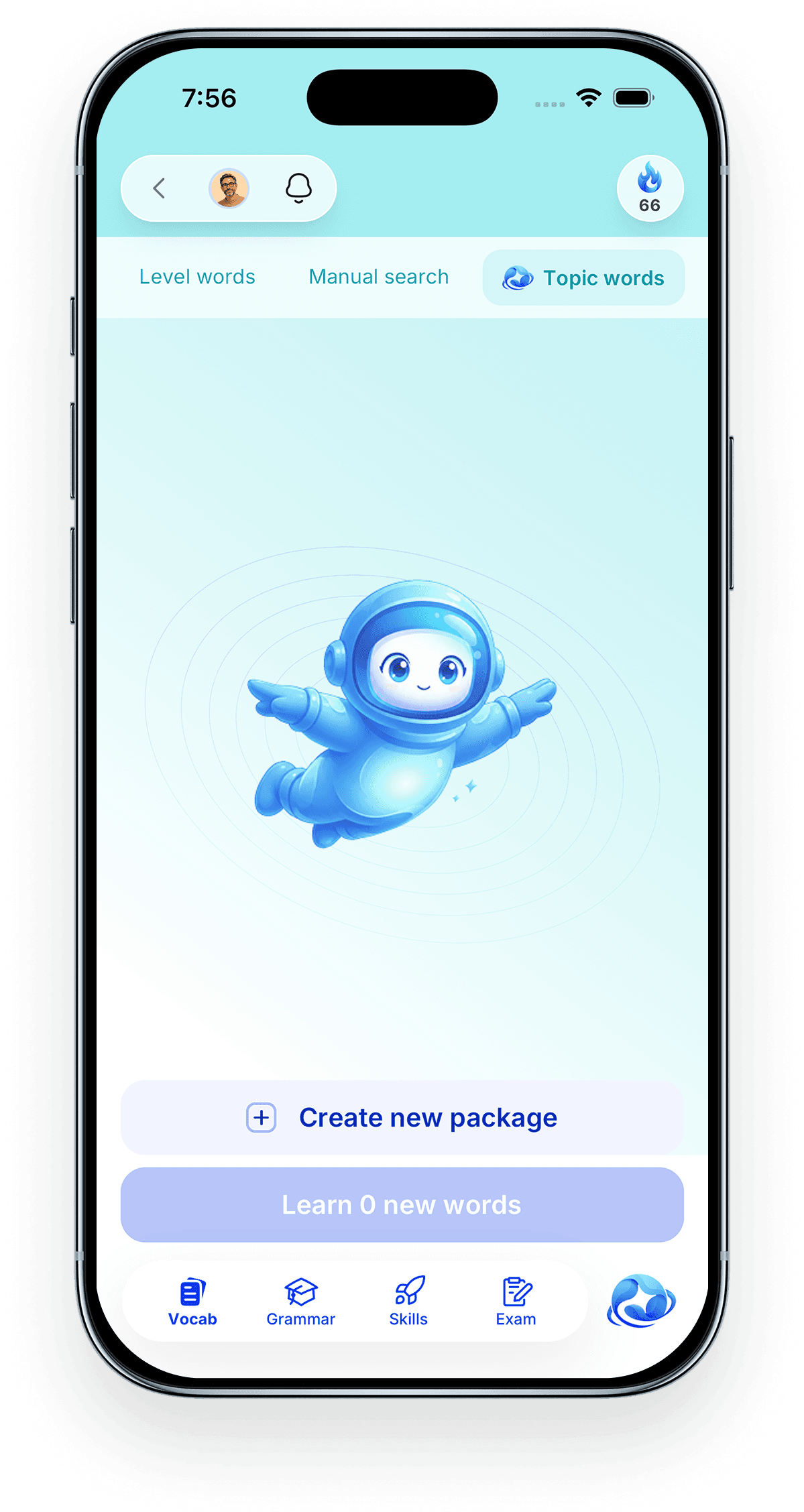
01Start a topic package
Need the words for your job, your degree, or your field? Start your own package.
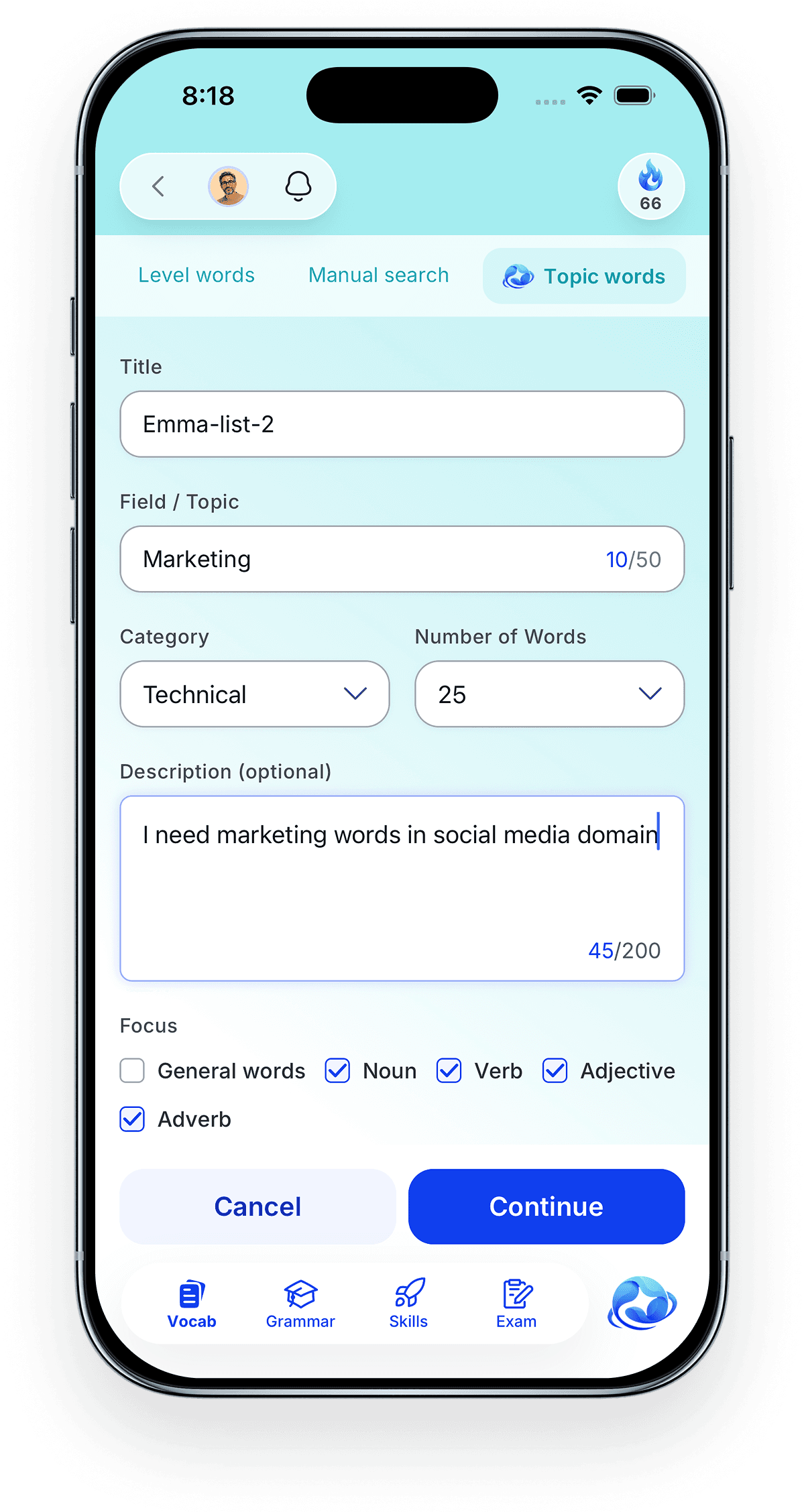
02Say what you need
Give the topic, how many words you want, and which word types to focus on.
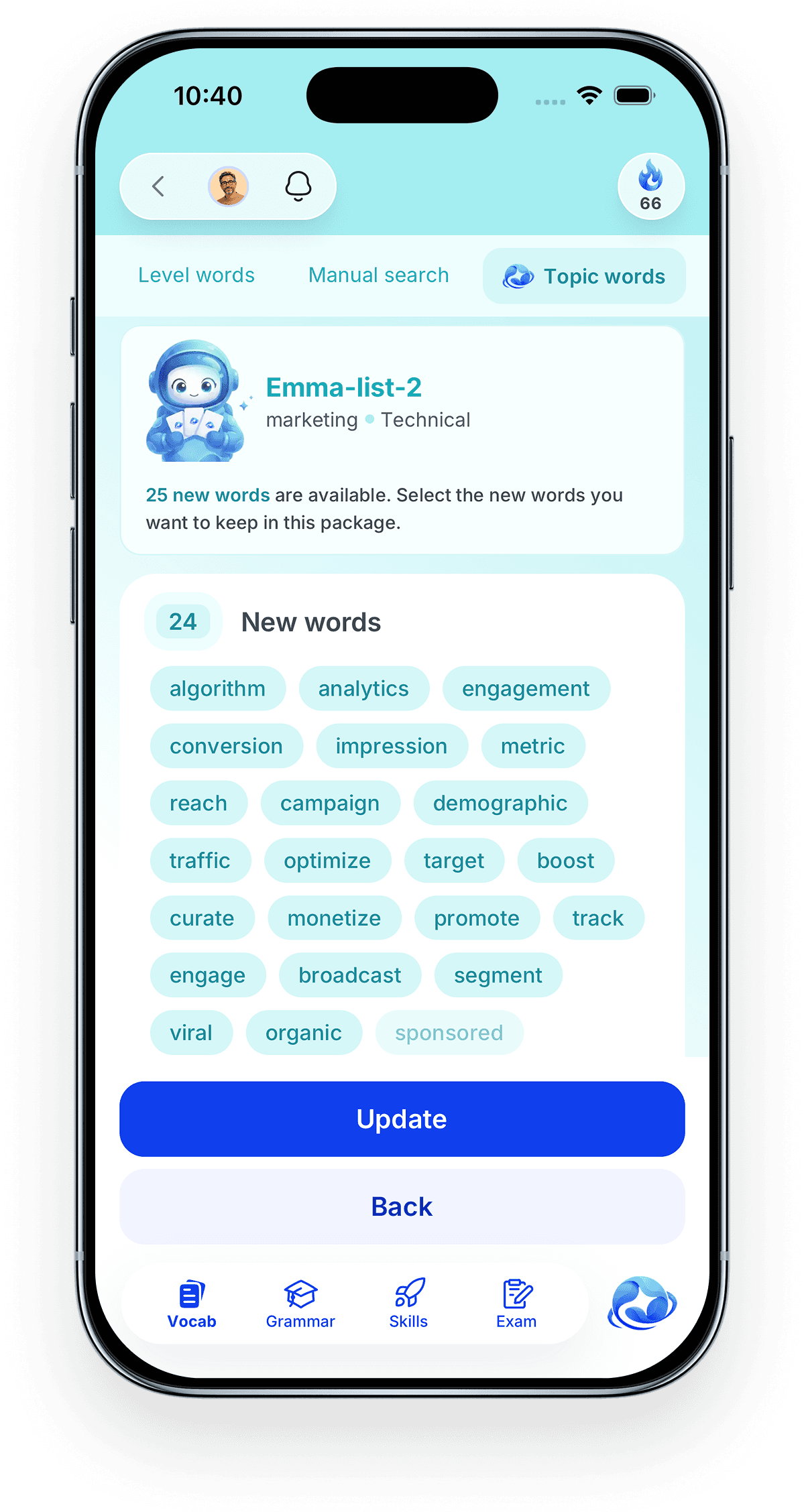
03Keep what is useful
Your words are built for that topic. Keep the ones you want and drop the rest.
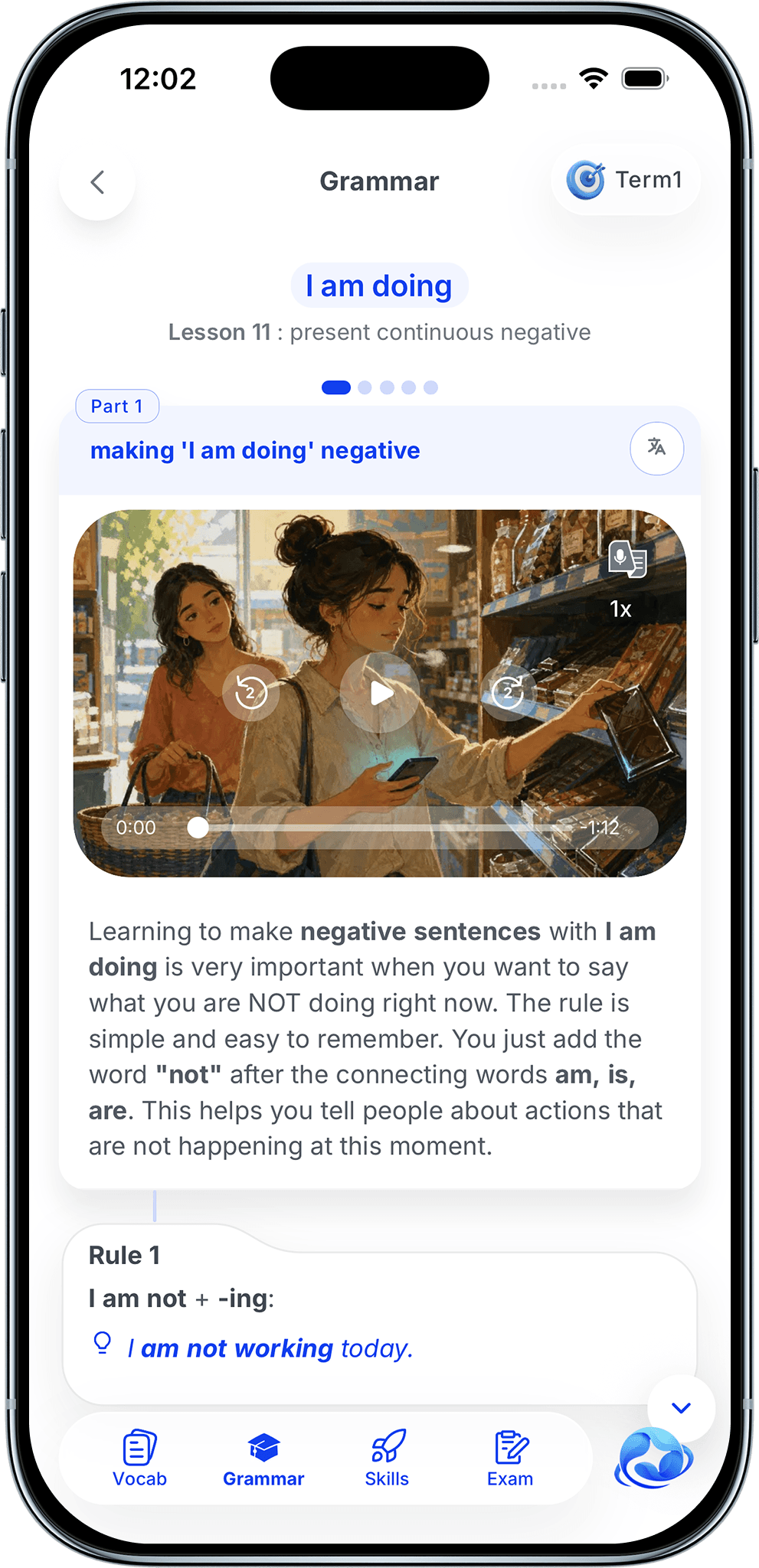
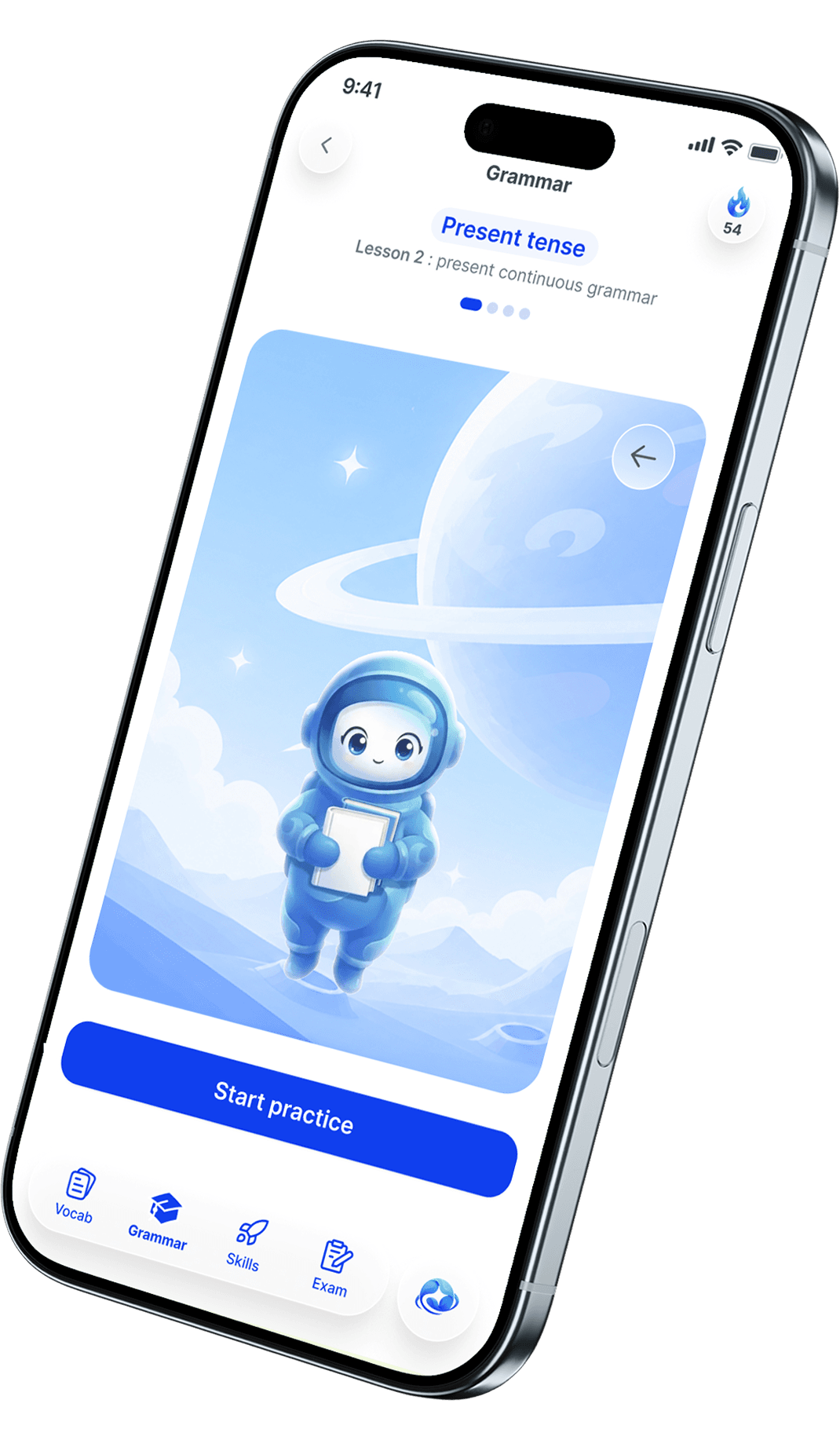
GrammarGrammar is explained properly here: what the rule is, why it works that way, and what it looks like in a real sentence. Nothing is left for you to guess.
Designed with teachers and specialists.
Pendorai’s curriculum structure and learning sequence were designed with English teachers and content specialists. AI supports lesson production, practice, feedback, and tutoring.
One idea at a time.
Content appears step by step as you move forward, so you never face a wall of text.
Listen while you read.
Every lesson has audio and a full transcript, and you can slow the speaker down.
Practice after every lesson.
Fill in the blank, true or false, find the mistake, and more.
It explains what went wrong.
You get the right answer and the reason immediately, while it still matters.
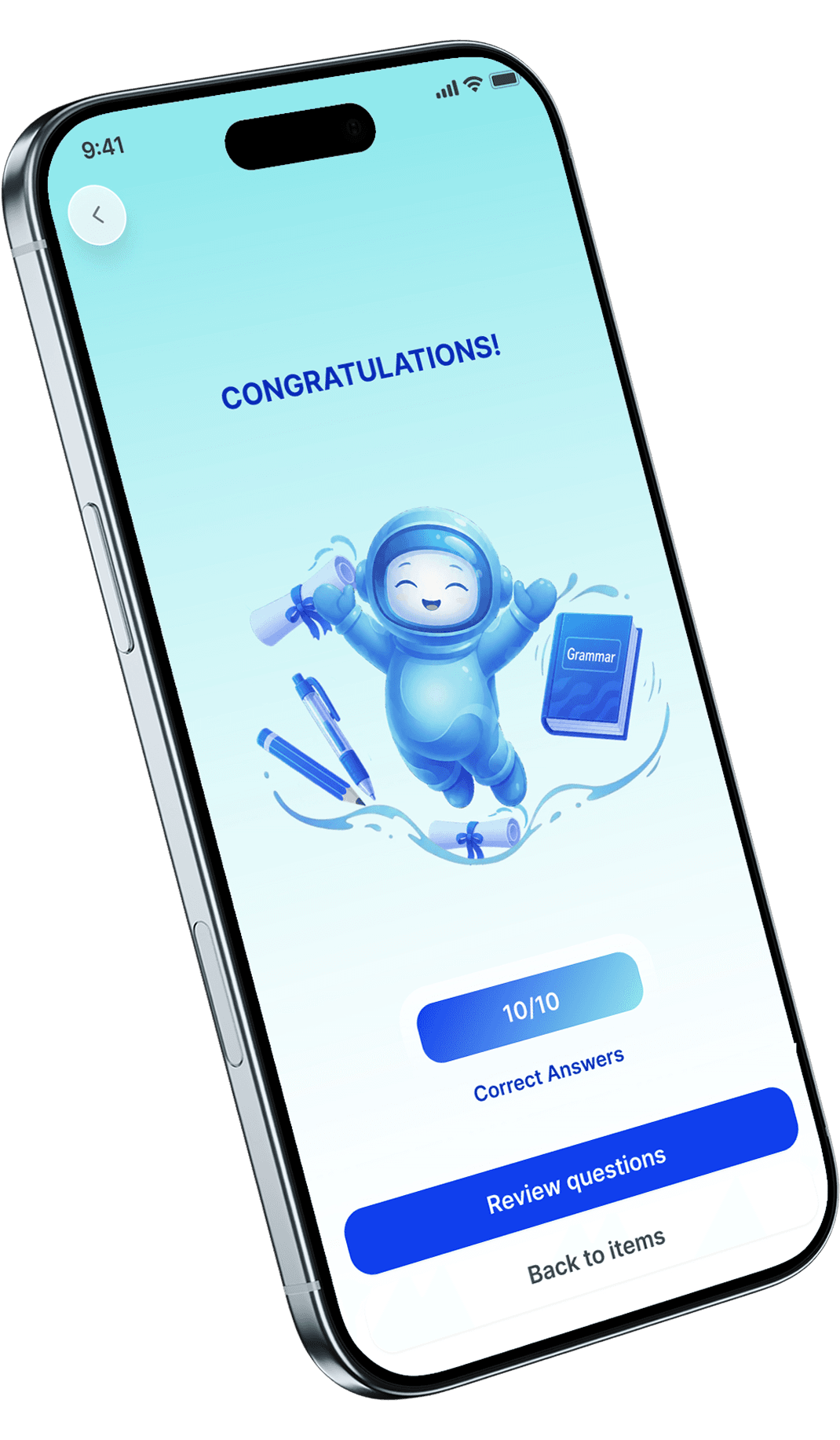
A score at the end.
See how you did, and redo the whole set whenever you want.
All four skillsFour connected skill areas, built around the same grammar you are learning in the rest of the app.
Guided conversation
Practise the grammar from your current unit aloud with an AI tutor that responds and helps you try again.
Lecture response
Listen to a short talk, then answer questions and explain your ideas aloud.
Guided scenarios
Practise structured real-life conversations with prompts and helpful phrases.
Live role-play
Have a timed AI conversation that responds to what you say.
Feedback after practice
Review speaking scores, grammar corrections, and vocabulary suggestions after supported sessions.
Formats for every level
Practise with stories, podcasts, news, dialogues, and advanced lectures, depending on your level.
American and British pronunciation styles
Hear a variety of AI-generated voices, including American and British pronunciation styles.
Set your listening speed
Slow it down to follow comfortably, then push yourself faster.
Full transcripts
Read along when you need help catching words in fast speech.
Questions linked to the audio
Each question points to the exact part of the recording.
Two full texts per lesson
One uses the lesson grammar. One teaches how English writing works.
Stories, articles, and news
Three sections with three pieces each. Pick what suits you today.
Illustrated page by page
The story section feels like a picture book, not a wall of grey text.
Tap to see the meaning
Look up a word without leaving the page or losing your place.
Answers that explain themselves
Find out why each answer was right or wrong.
Two exercises every lesson
One practises the lesson grammar. One lets you write freely.
Writing that is actually free
You get a topic and a few keywords, then write what you want.
Mistakes kept apart
Writing problems and grammar problems are separated, so you know what to practise.
Your text, corrected
See your own sentences rewritten correctly beside what you wrote.
How a native would say it
See a natural version of the same idea using your words.
ExamsFull practice tests for IELTS, TOEFL, CELPIP, and other international English exams, set up the way the real exam is set up.
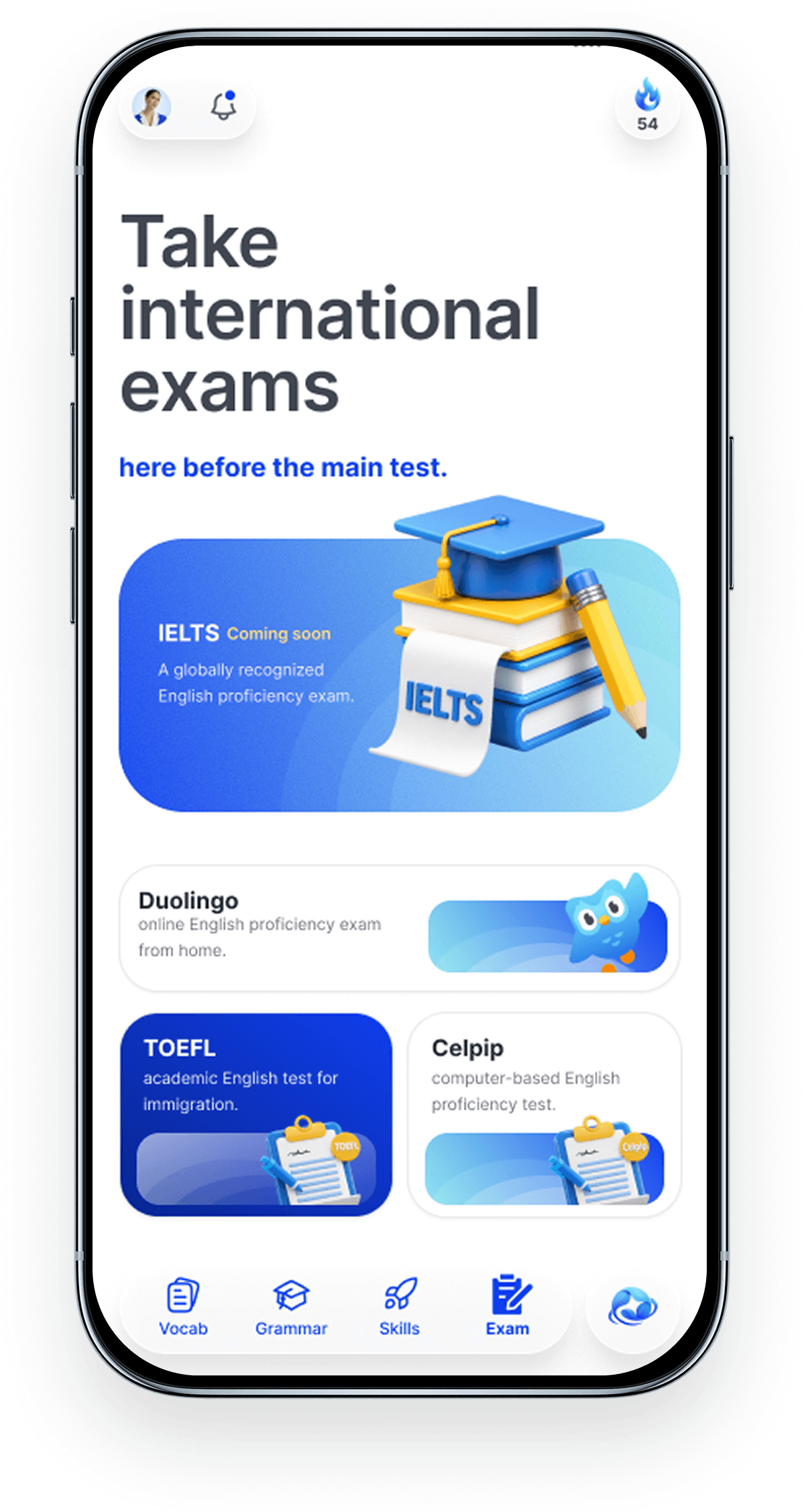
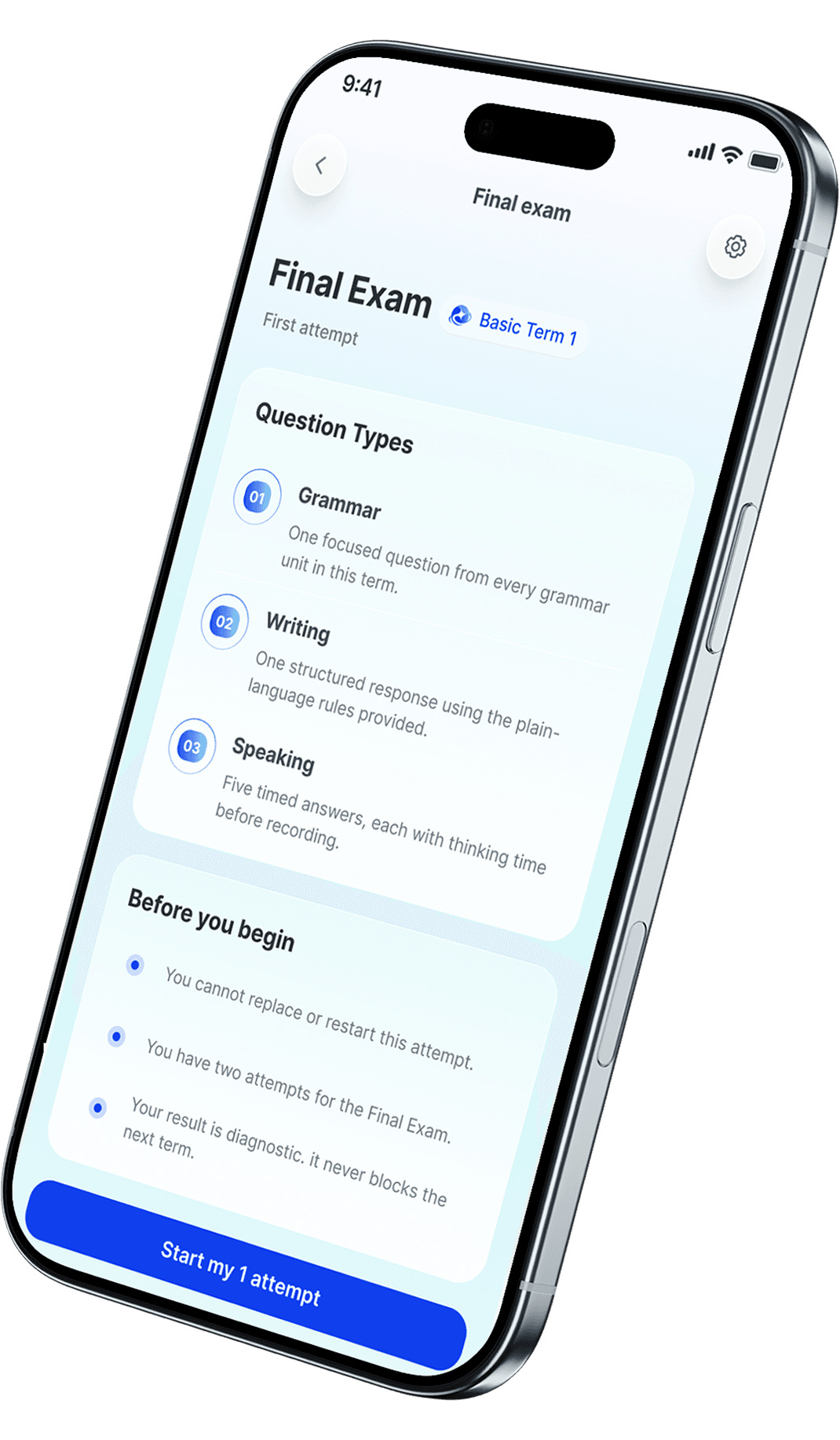
The same sections, timing, and question types as the real test.
Get a score and clear reasons for the two parts that are hardest to mark at home.
It covers grammar, writing, and speaking from the term.
Continue to the next term with additional guidance if your score is below the target.
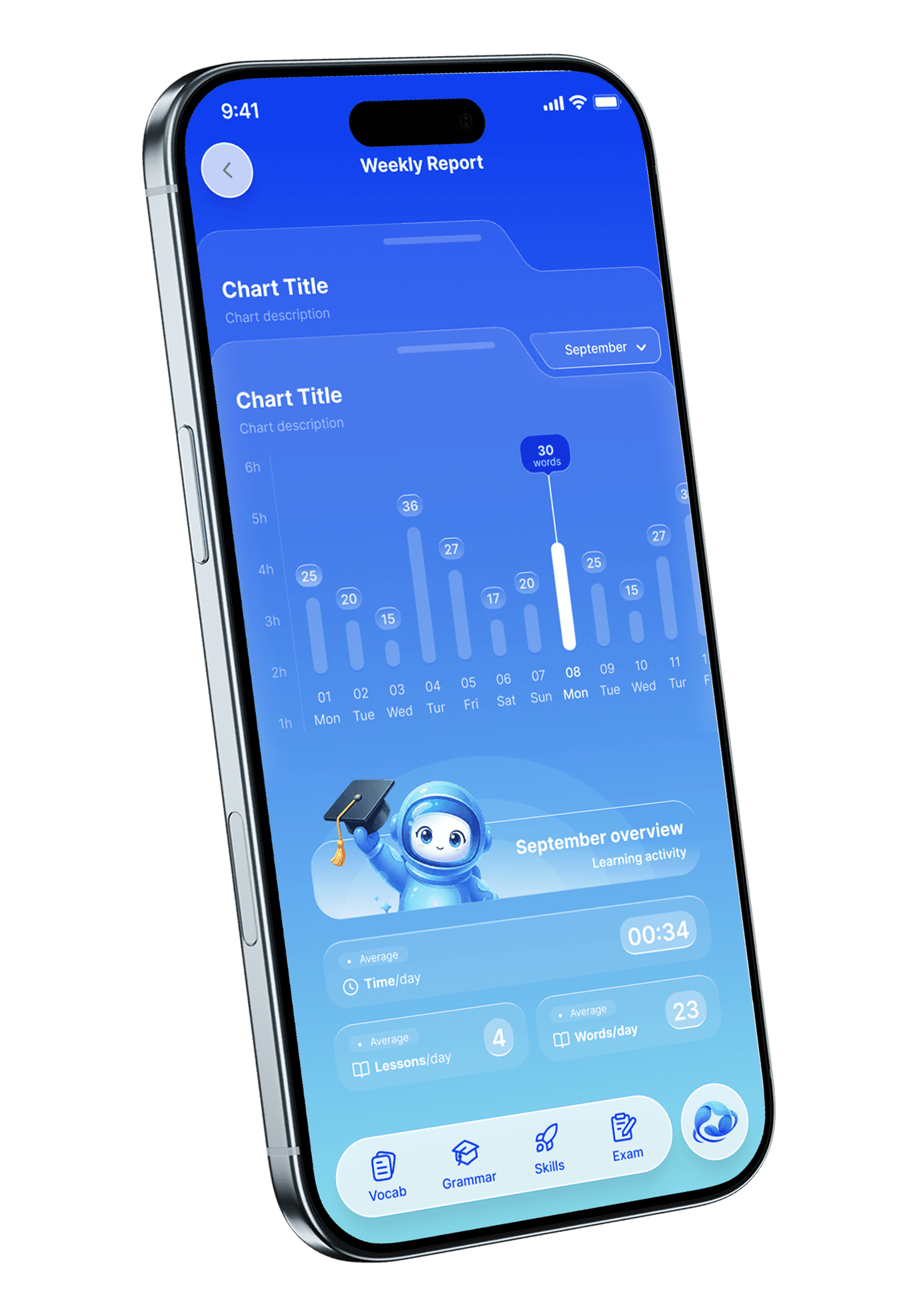
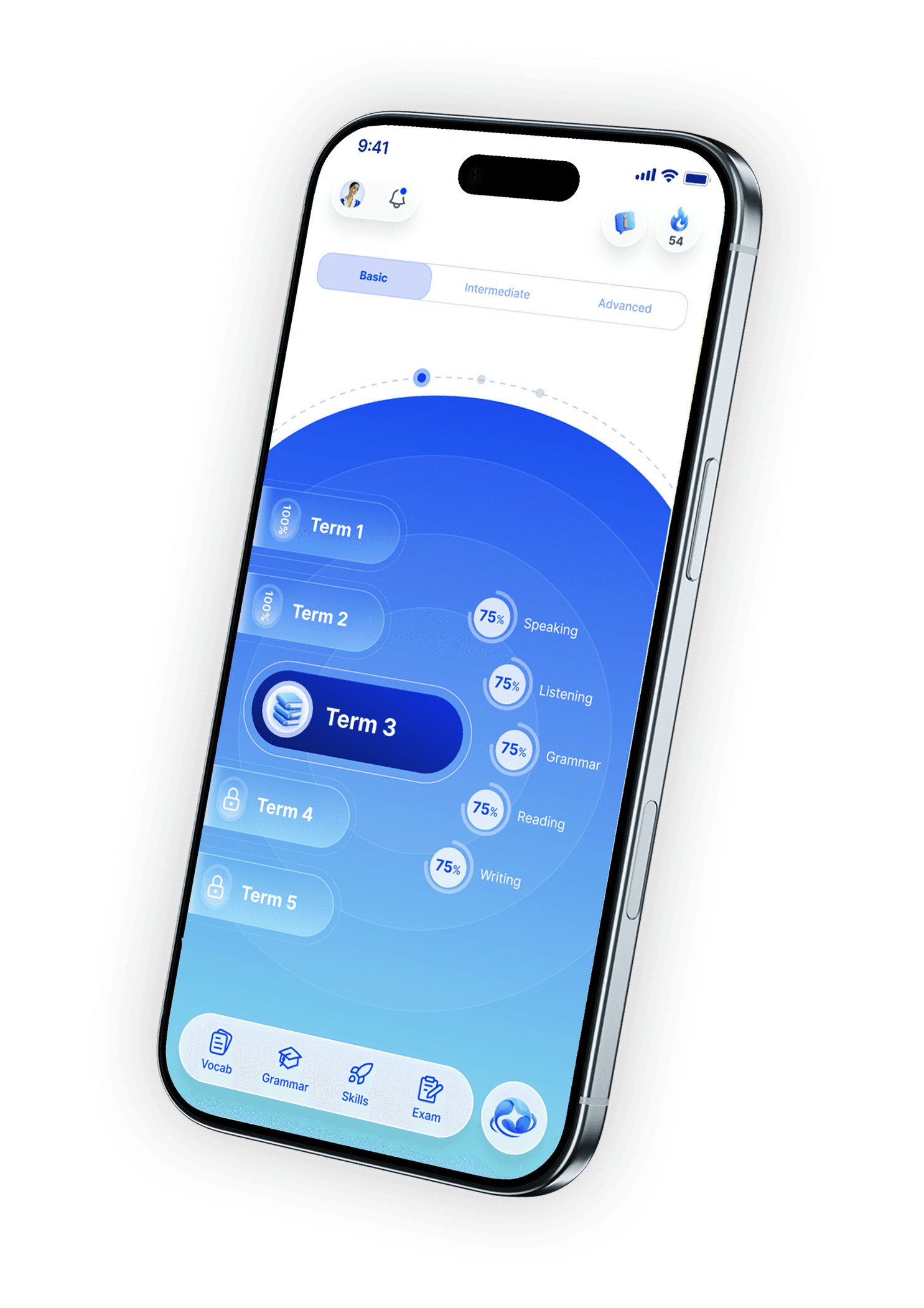
ProgressTwo screens tell you everything: where you are in the course, and what you have actually been doing.